
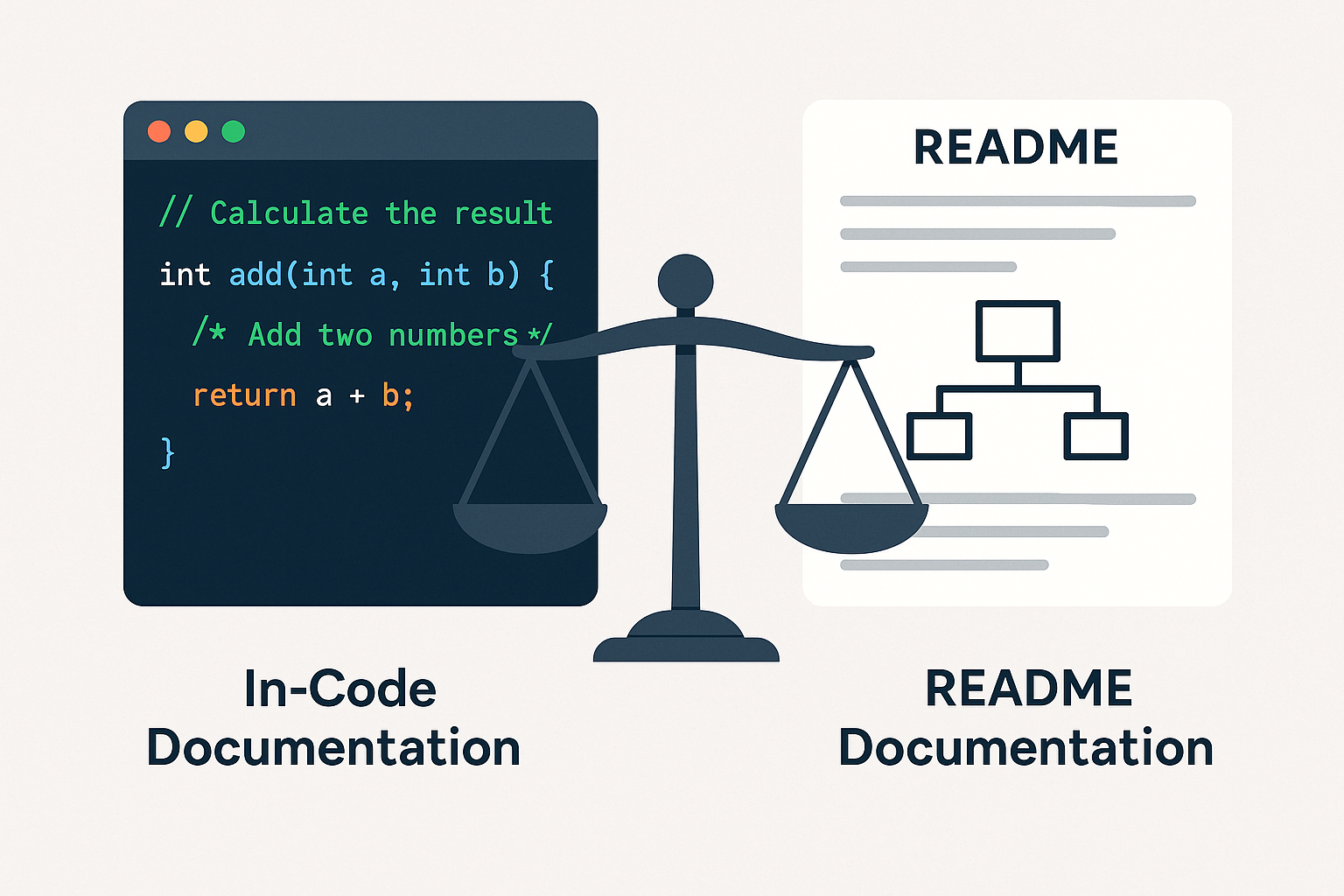
In software development, clear documentation isn't just helpful, it’s what keeps things running smoothly. When team members leave or requirements change, good docs can make the difference between staying on track and things falling apart.
But where should this documentation live? Should it be embedded within the code itself or centralized in README files? I’ve experienced the benefits and drawbacks of both approaches, thus in this blog post I'll dive deeper into the difference between them, and how to find a balance for your projects.
In-Code documentation: The developer’s guide within the code
Want developers to immediately understand your code? Embed the story right next to the code itself.
Strengths
- Immediate context: Notes about usage right where you need them.
- Keeps updated: When code changes, documentation tends to update too.
- Automatic processing: Tools like JSDoc can turn your annotations into clean API references.
- Decision trace: Capture the why behind critical trade-offs (power, performance, connectivity).
Weaknesses
- Comment overload: Excessive comments can bloat the code and hurt readability.
- Scattered information: Hard to get a big-picture view when explanations are spread across files.
- Limited access: Non-technical stakeholders are often left out.
README Documentation: The Project’s Front Door
A good README isn't just documentation. It sells your project to new developers, stakeholders, and future maintainers.
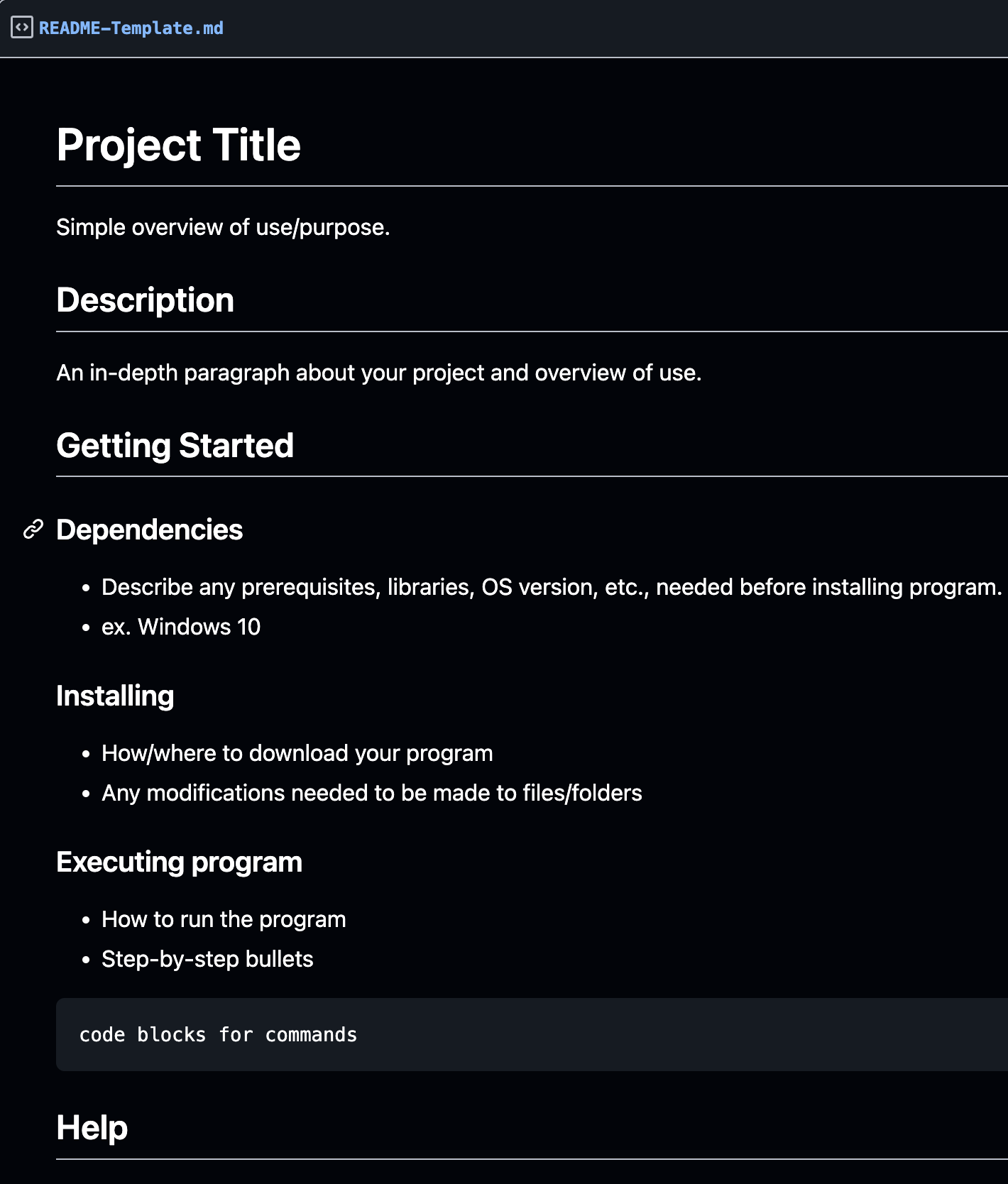
README files serve as centralized documentation resources, typically stored in the project’s root directory or a dedicated /docs folder.
Strengths
- Big picture clarity: Explains how components connect across your system.
- Accelerated onboarding: New team members get up to speed fast.
- Stakeholder access: Project managers and external partners can understand without reading code.
- Visual potential: Diagrams, flowcharts, and images bring physical systems to life.
Weaknesses
- Risk of obsolescence: READMEs can quickly become outdated if neglected.
- Scope struggle: Either overwhelming (too detailed) or superficial (too shallow).
The Documentation Balance: Your Project’s Hidden Superpower
Let's cut to the chase, effective documentation isn't about choosing between in-code comments or README files, it's about strategically combining both for maximum impact.
In-code documentation gives your developers immediate context, keeps explanations updated alongside code changes, enables automatic API documentation, and explains critical implementation decisions. But beware, it can clutter code, scatter information, and exclude non-technical stakeholders.
README documentation delivers the big picture, accelerates onboarding, brings stakeholders into the loop, and showcases your system visually. The downside? It risks becoming outdated and can either overwhelm or underwhelm readers depending on its scope.
The Brutal Reality of Documentation
Here's what nobody wants to admit: Your brilliant architecture is worthless if only you understand it. The real heroes aren't the developers who build complex systems, they're the ones who make complex systems understandable.
The most dangerous person on a team isn’t the rookie, it’s the veteran who keeps critical knowledge locked in their head.
Let's demolish the biggest myth in development: "Good code is self-documenting." That's like saying good architecture doesn't need blueprints. It's a convenient excuse for developers who don't want to explain their work.
The hard truth? When your project hits turbulence, the dividing line between recovery and disaster won't be your clever algorithms or component choices. It will be whether you can quickly understand what you built and why you built it that way.
At the end of the day, it’s not a battle between in-code and README, it’s a partnership. Each plays a role the other can’t fully replace. Ignore one, and your system might work today but become incomprehensible tomorrow. Use both wisely, and you’re not just writing software, you’re building something others can understand, maintain, and grow. And in the long run, that’s what keeps great projects alive.
Thanks for reading.
References and Further Reading
- "Write the Docs" Community Resources - Documentation community with best practices: https://www.writethedocs.org/guide/
- GitHub's "About READMEs" Guide - Official GitHub guide on creating effective README files: https://docs.github.com/en/repositories/managing-your-repositorys-settings-and-features/customizing-your-repository/about-readmes
- "Docs Like Code" by Anne Gentle - Applying software development practices to documentation: https://www.docslikecode.com/book/
- Stack Overflow Blog: Why do developers love clean code but hate writing documentation? https://stackoverflow.blog/2024/12/19/developers-hate-documentation-ai-generated-toil-work/
- Stack Overflow Blog: Tales from documentation: Write for your clueless users – Why you should write documentation for your least experienced users: https://stackoverflow.blog/2020/07/13/tales-from-documentation-write-for-your-dumbest-user/